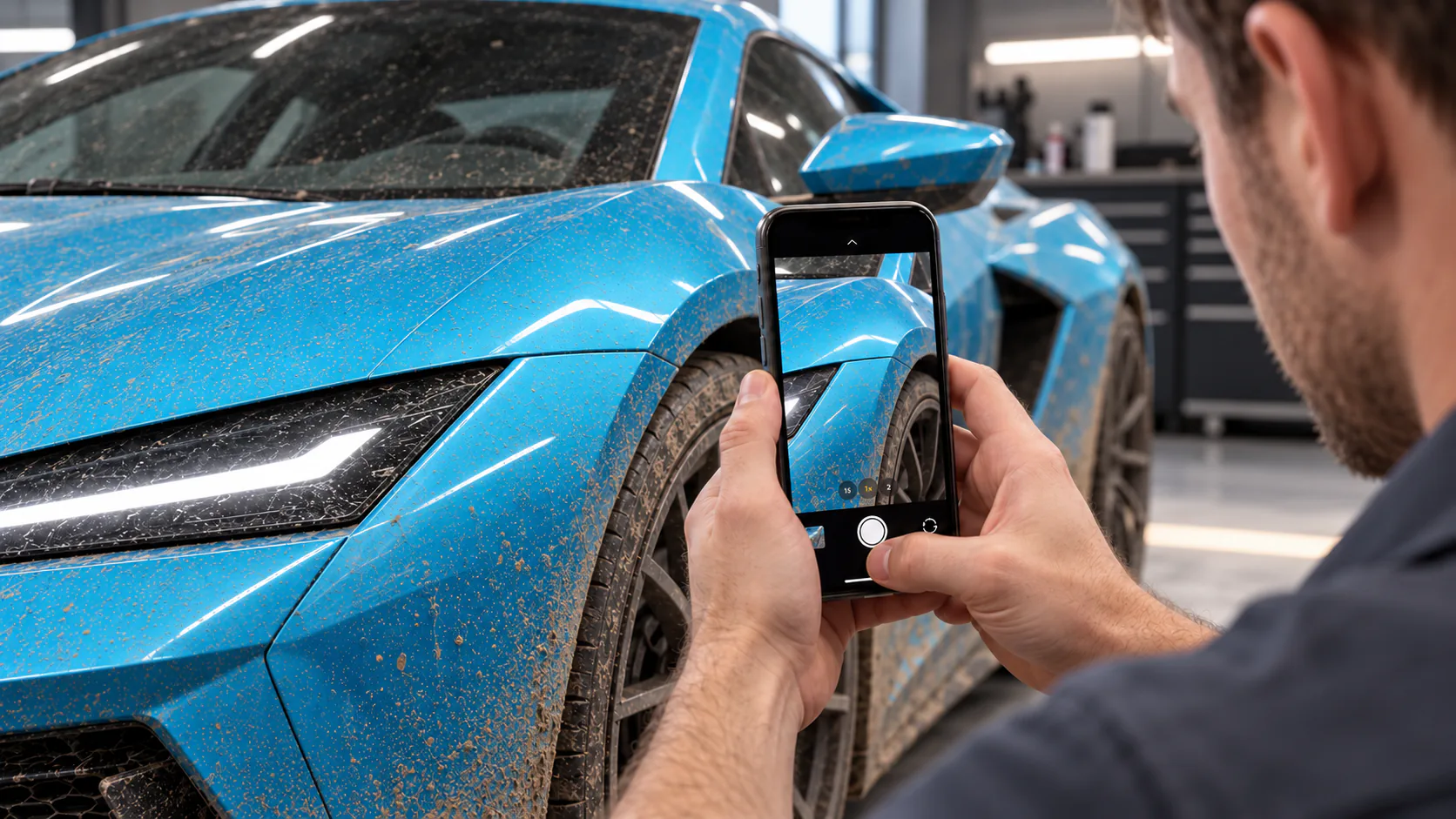




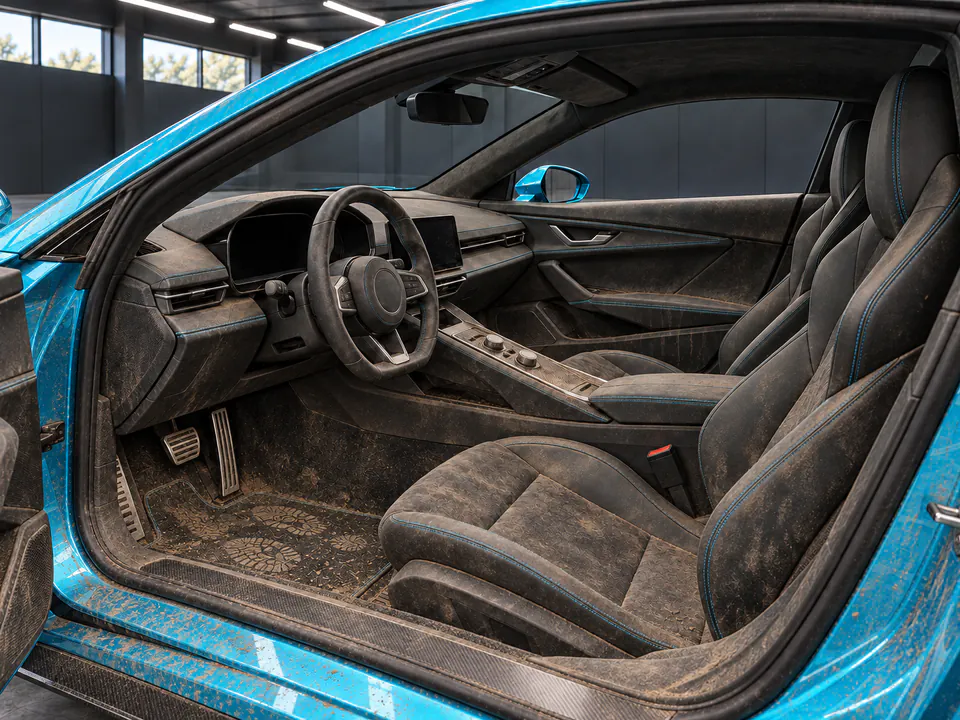
Detailer in clean workwear photographing a cyan sports coupe with an iPhone inside a detailing bay
CHAGO · A BRAND BY NANUQ

It’s that Easy.

Six iPhone photos turn intake inspection into a clear condition report and service plan.

01 / SCAN

Six quick photos,one complete read.

From front quarter to wheels and cabin, just follow the prompts.

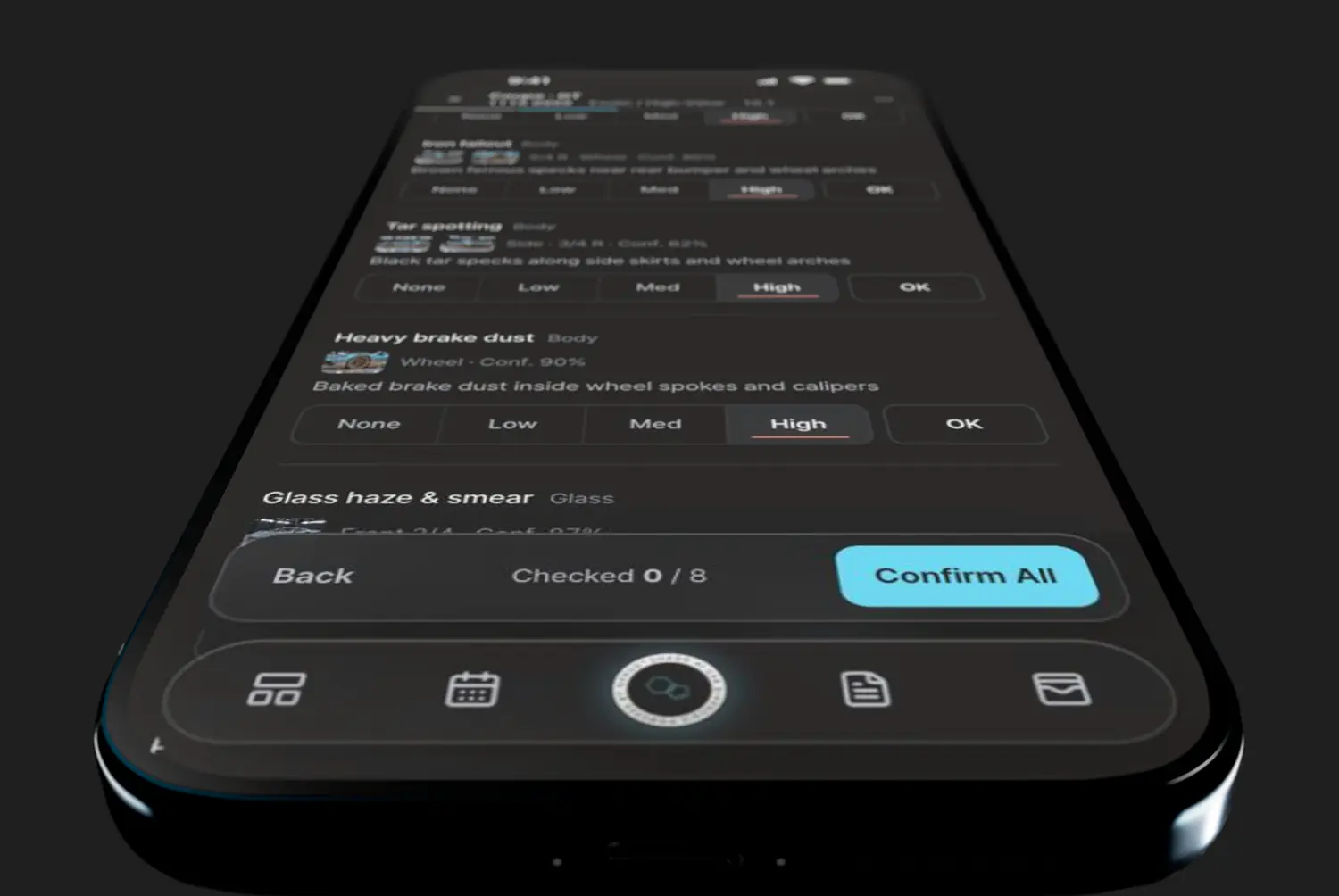
02 / DIAGNOSIS

Every area scored,clear in numbers.

Walk your client through the same screen.

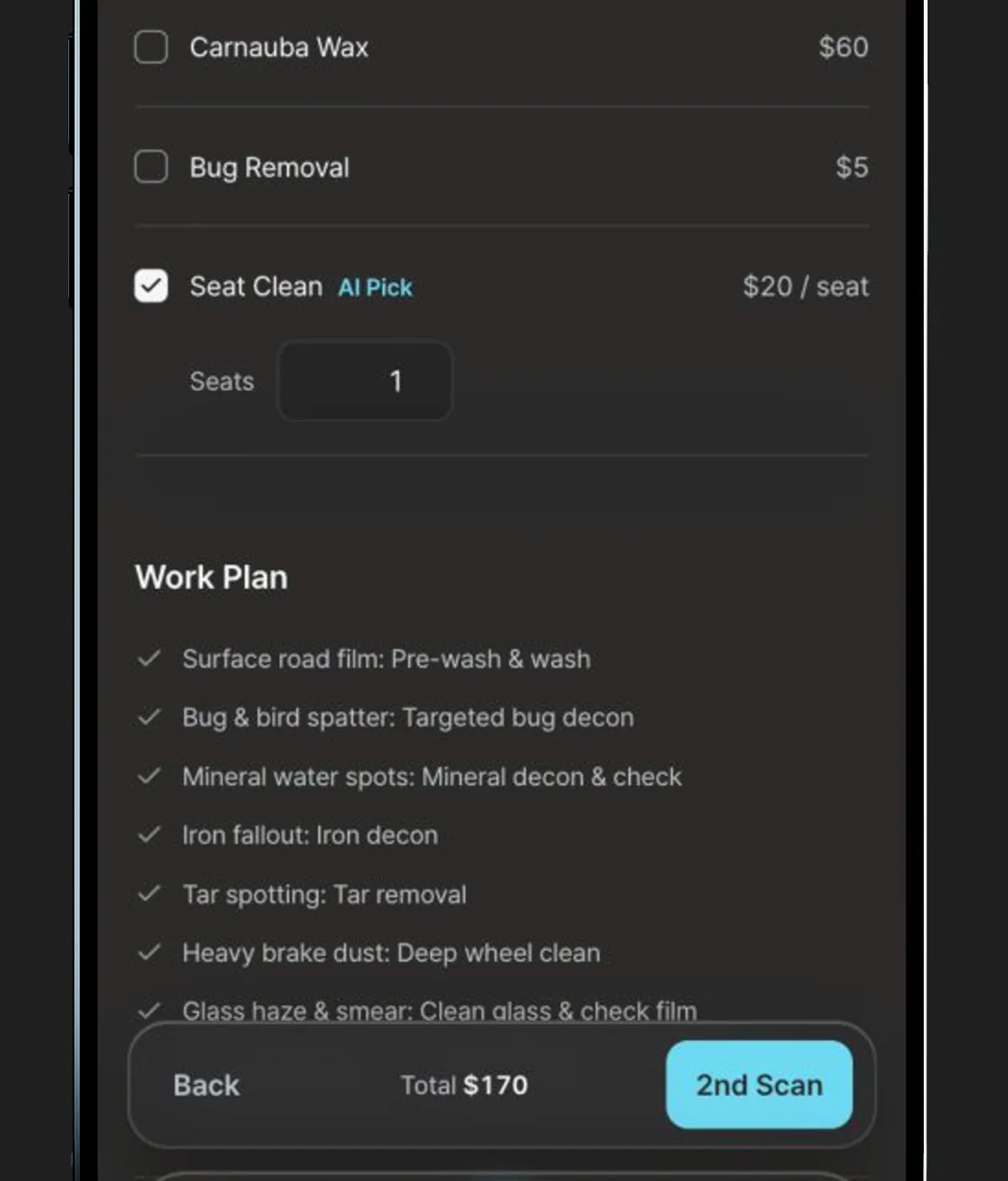
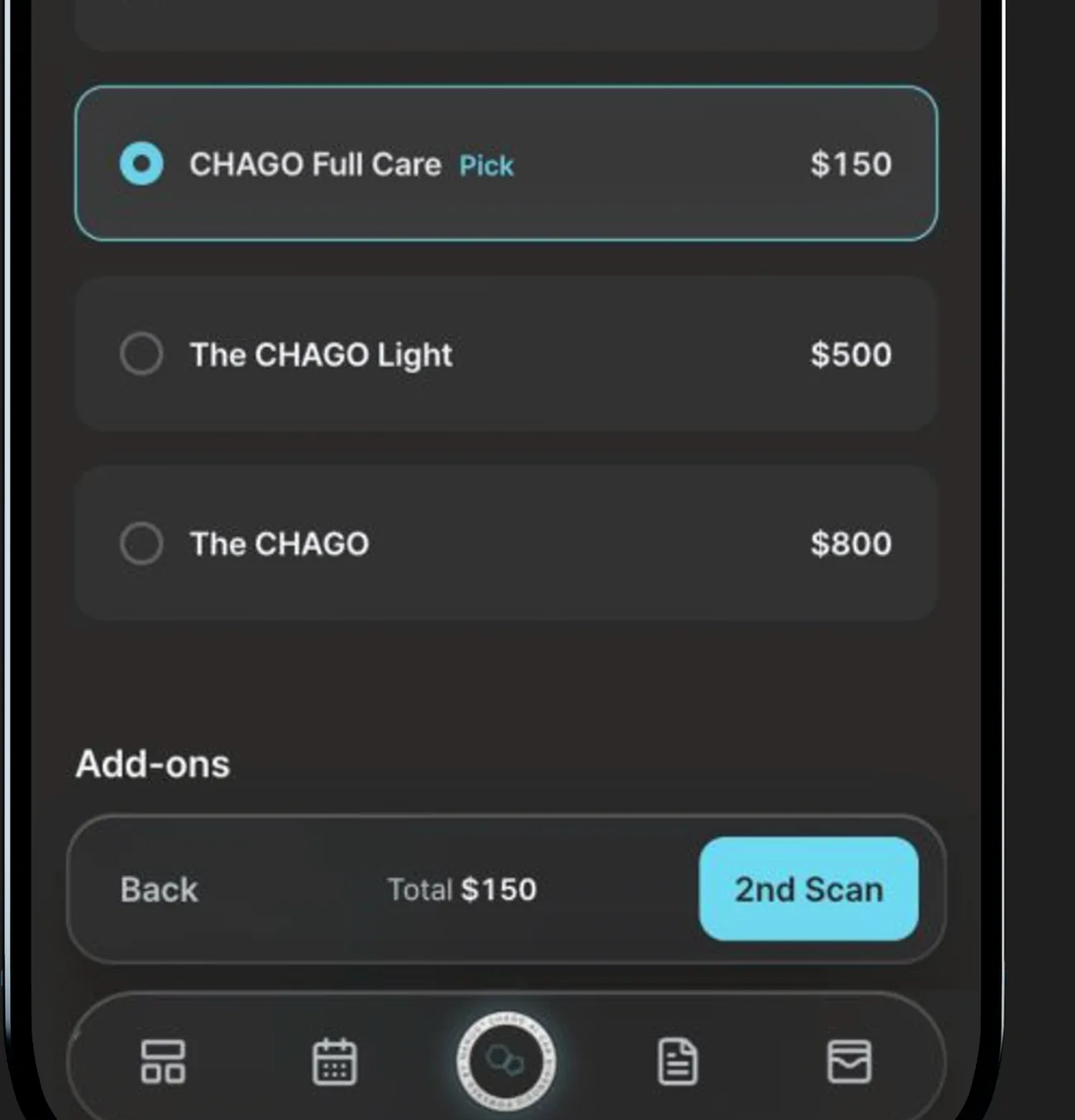
03 / RECOMMEND

Data-backed packages,easy to present.

Matches packages and add-ons to actual vehicle condition.

  • 01Condition-matched wash
  • 02Suggested steps & add-ons
  • 03Clear total on one screen

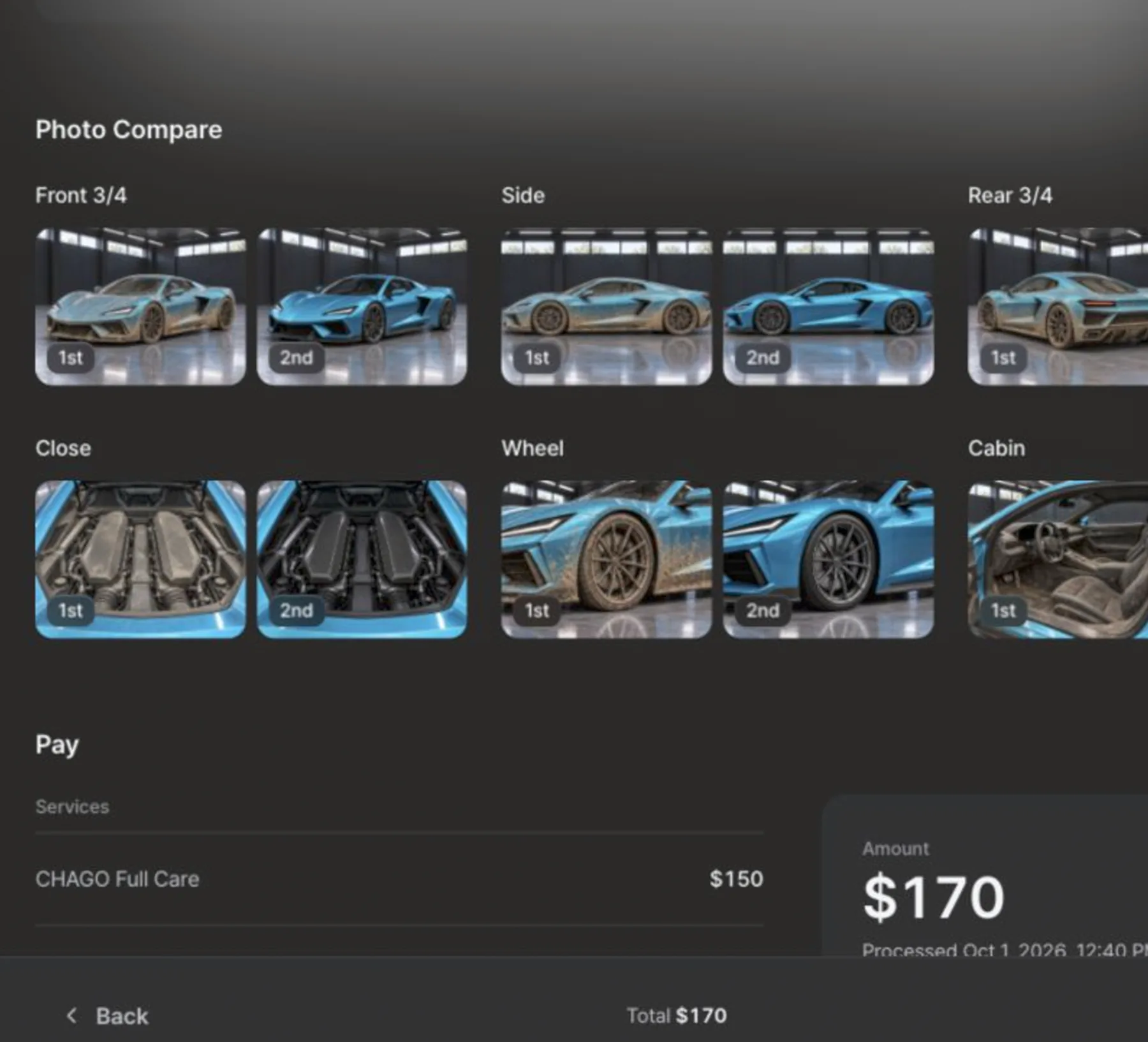
04 / AFTER WASH

Clean results,shown side by side.

Run a post-wash check and review before-and-after together.

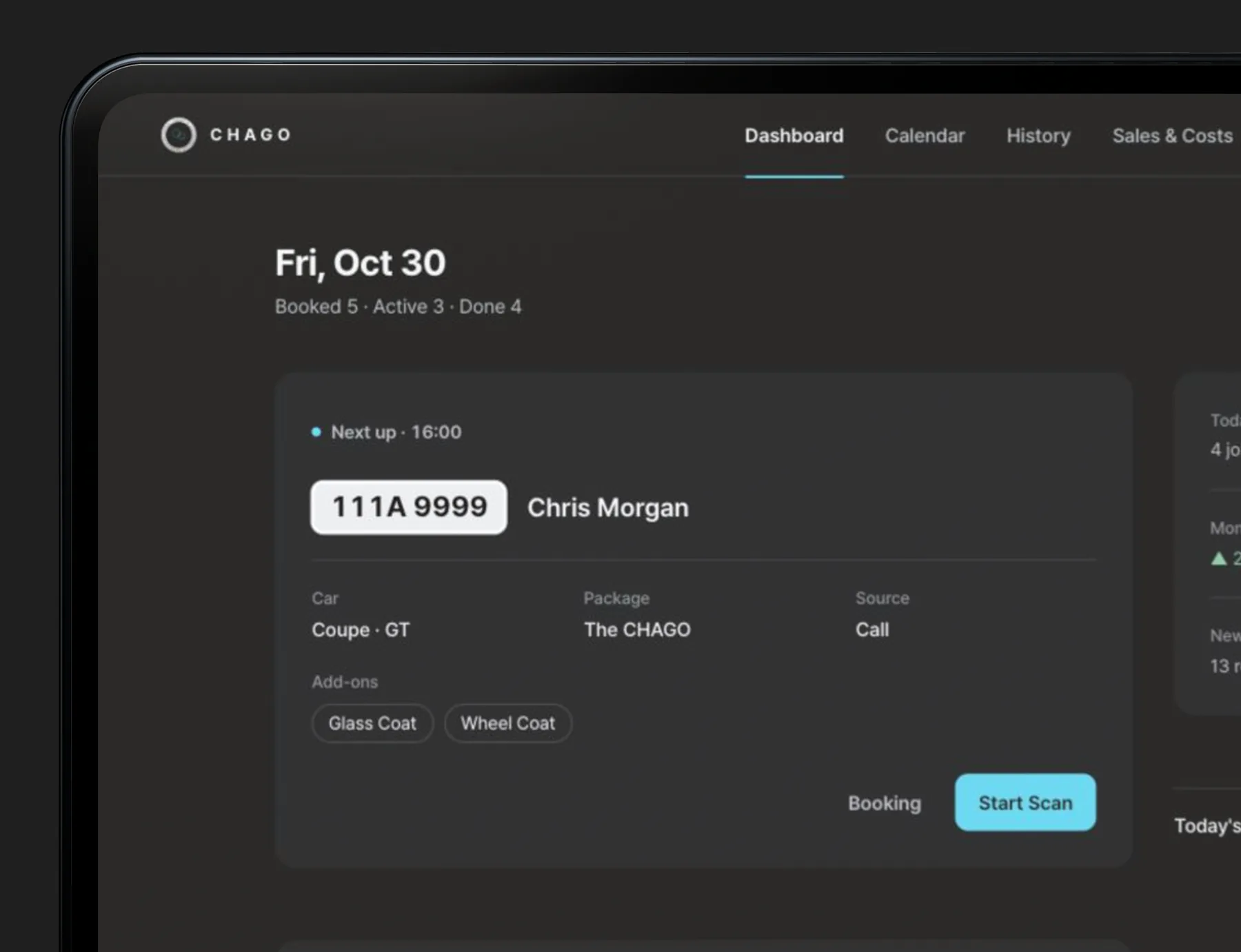
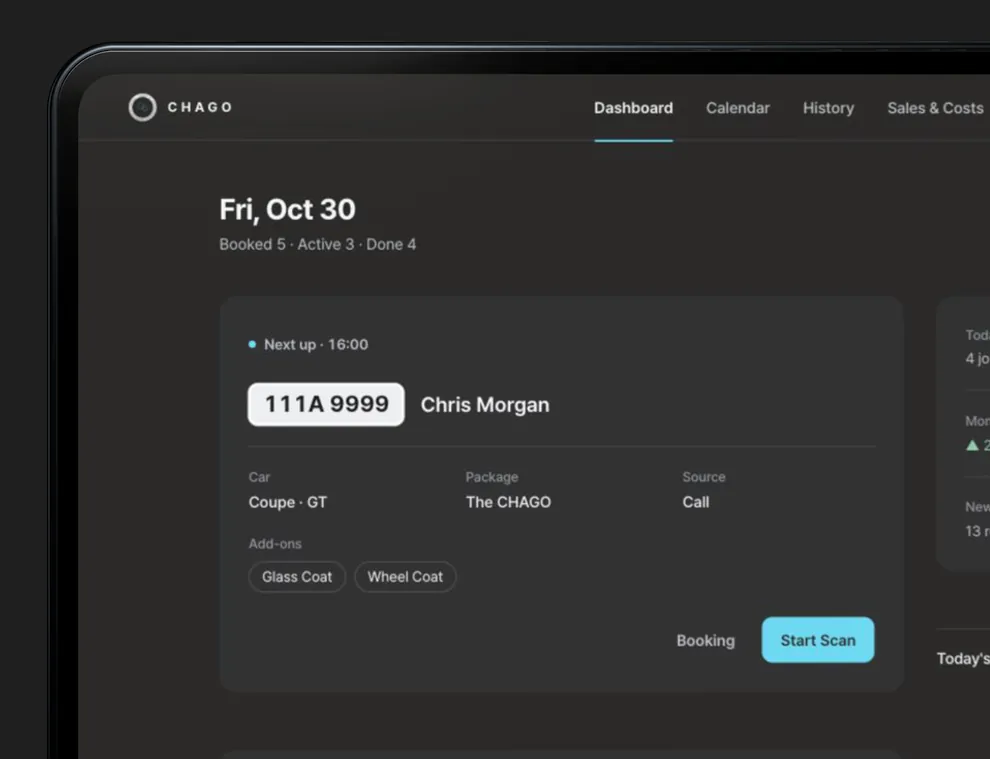
CHAGO CRM

Beyond the scan,your whole shop.

PayLogBookSalesAI Report

Shop Ops

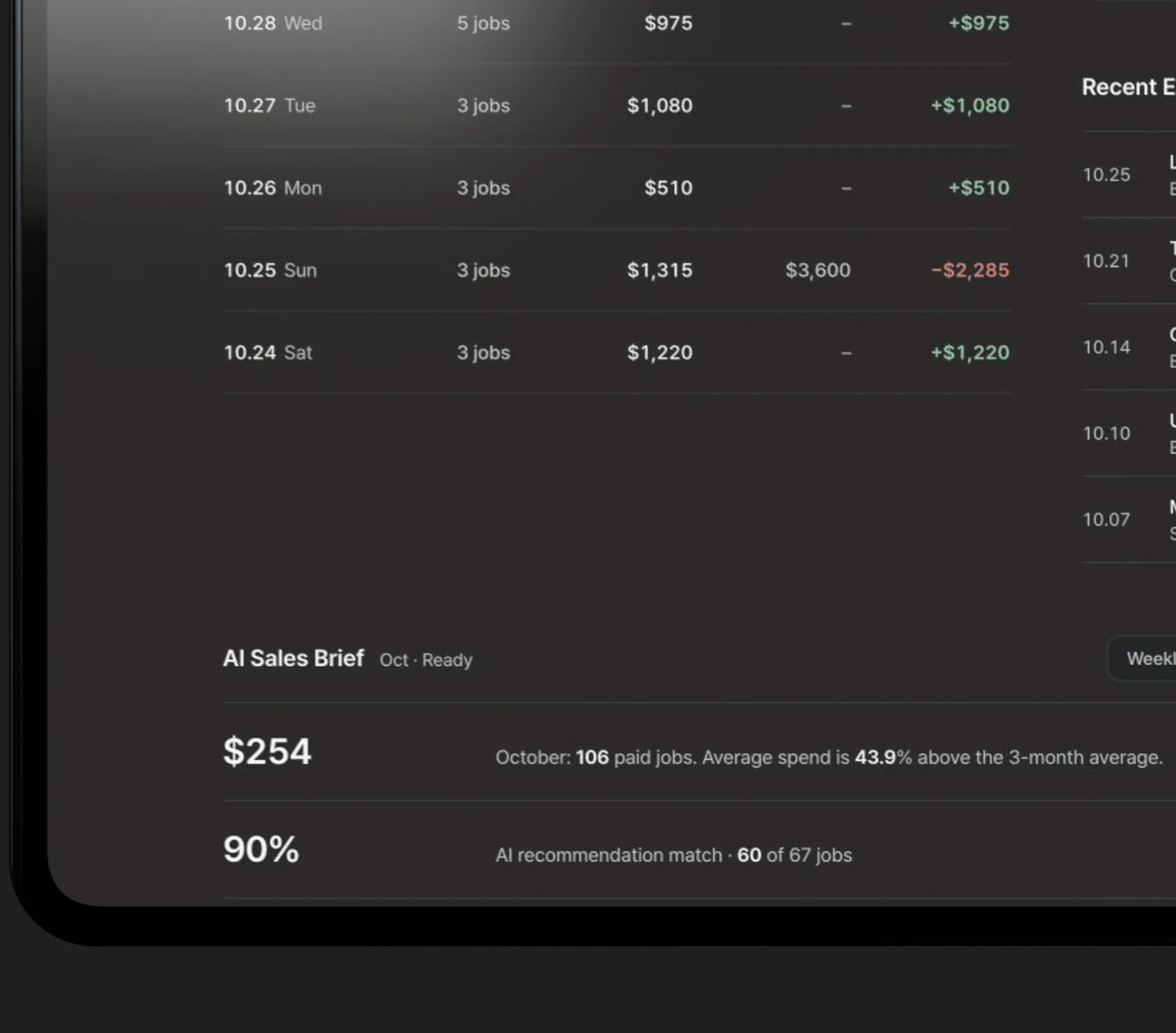
05 / CHECKOUT

Job finished,logged in one step.

Inspection photos and service totals together.

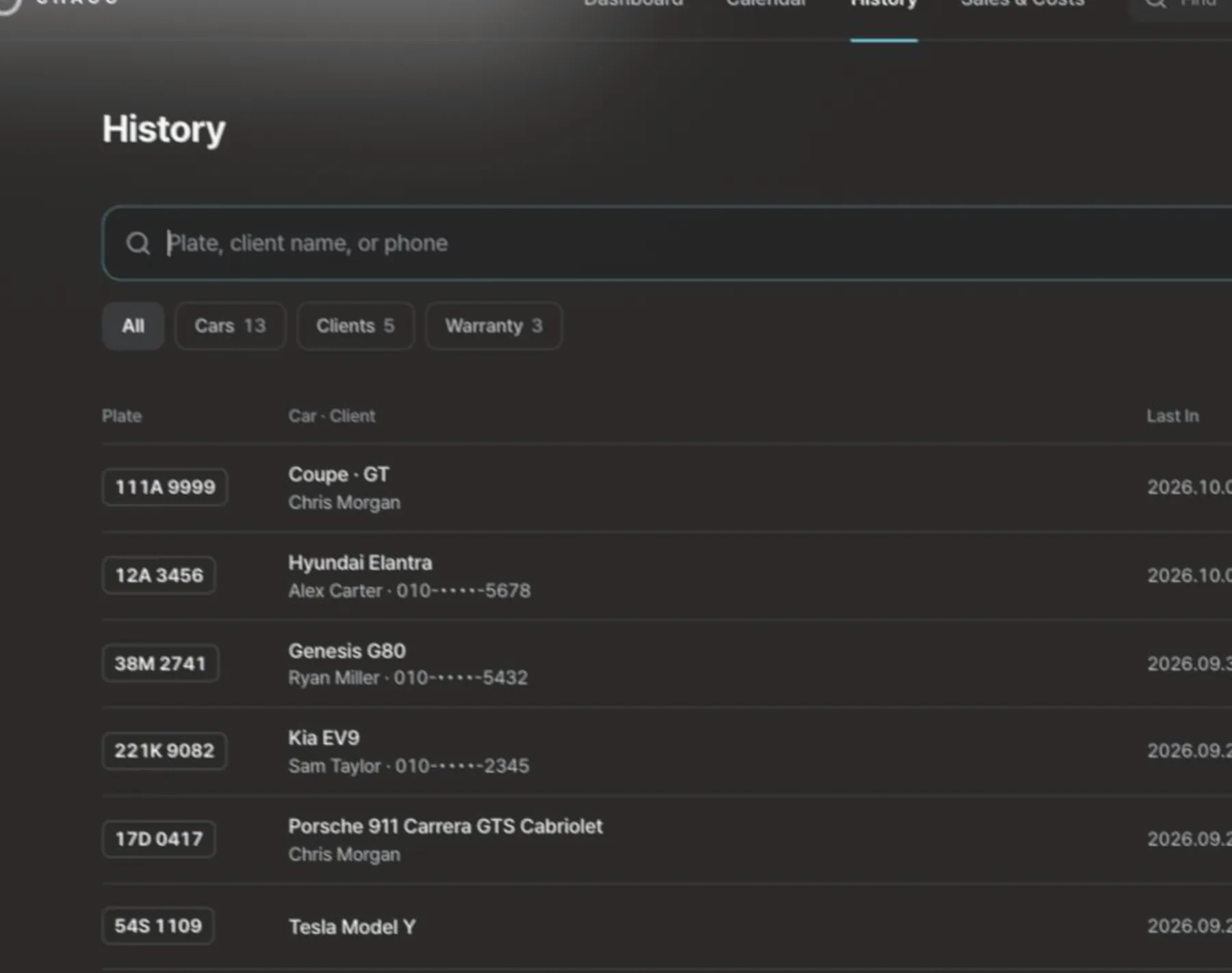
06 / HISTORY

Service and payment history, kept by car.

Work logs stay by car; link a folder to save older scans to PC.

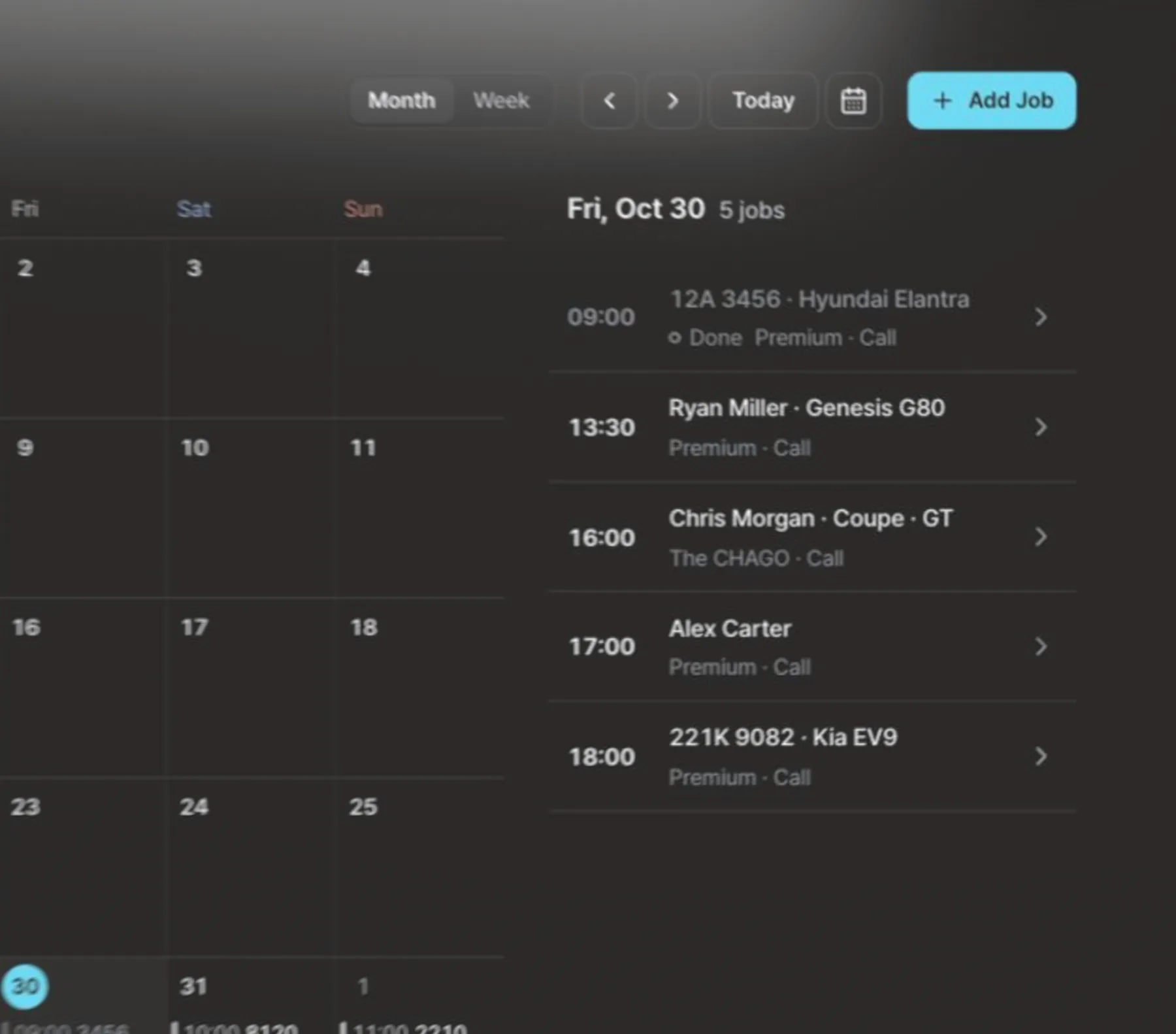
07 / SCHEDULE

Bookings go straight to your shop calendar.

Schedule from scan recommendations or staff entry by bay.

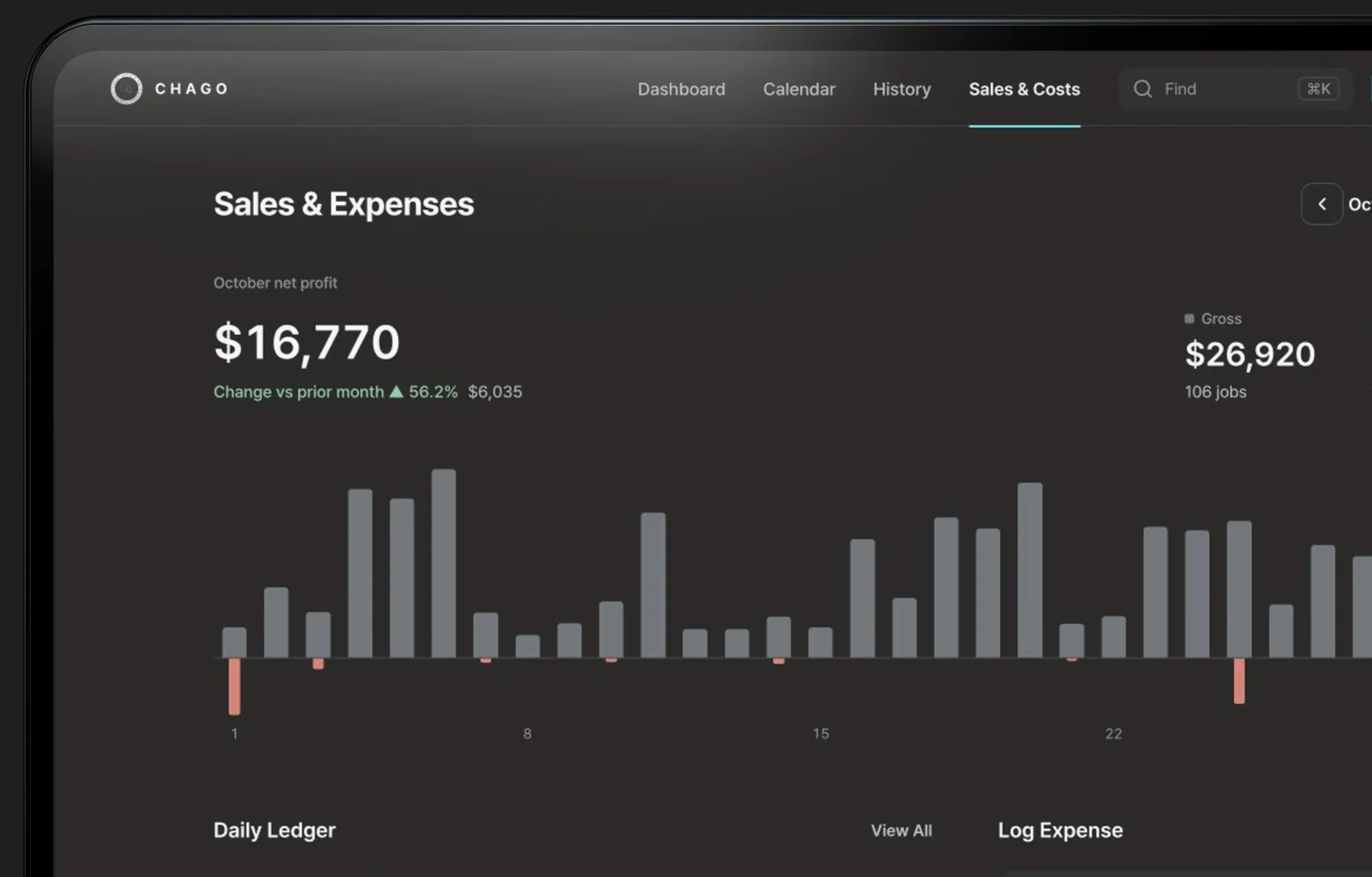
08 / SALES

Revenue & ticket,clear every day.

Daily totals and shop expenses at a glance.

09 / AI REPORT

AI reviews the month,highlights next steps.

Weekly and monthly shop performance summaries.
From scan to return visit.

MADE BY A DETAILER

Built by a shop owner,used in the bay daily.

  • Clear Up-Selling

    Review AI findings together and recommend with confidence.

  • Lasting Records

    Work and payment logs stay by car; older scans go to a linked folder.

  • Repeat Clients

    Connects today's finish to the next appointment.

Built for working bays.

Designed for independent detailing shops running daily jobs.

See how it works

See how CHAGO fits your bay workflow.

How would you like to start?

Software Only Download

Included on Free Plan

  • Free AI scans for 20 cars a month per shop: a car's 1st and 2nd scans count as one (40 scans). AI finance reports don't count. You can also record scans without AI.
  • Latest 3 scan reports stay in the app. Link an archive folder (Chrome, Edge, or desktop app) to save older ones to PC and open via Import File. Service and payment logs stay in-app.

Sign in with Google, enter country, shop name, and time zone. First 100 shops open instantly; others open on the same free plan after CHAGO review. No payment or API key.

Open CHAGO App ↗

Download the desktop app

Windows 10/11 64-bit & Apple silicon Mac. On Intel Mac, tablet, or phone, use a browser with the same account. Open CHAGO App ↗
Installation notes

  • WindowsThe installer isn’t code-signed yet, so SmartScreen (“Windows protected your PC”) may appear on first launch. Click More info, then Run anyway.
  • MacThe app isn’t notarized by Apple yet, so macOS blocks it on first launch. Go to System Settings > Privacy & Security, click Open Anyway, and confirm in the dialog.